
Frappe Custom App vs Server Scripts: When to Use Which
Server Scripts are quick. Custom apps are durable. Learn when to use Custom Fields, Client Scripts, Server Scripts, or a full custom app in Frappe and ERPNext, with a side-by-side example.
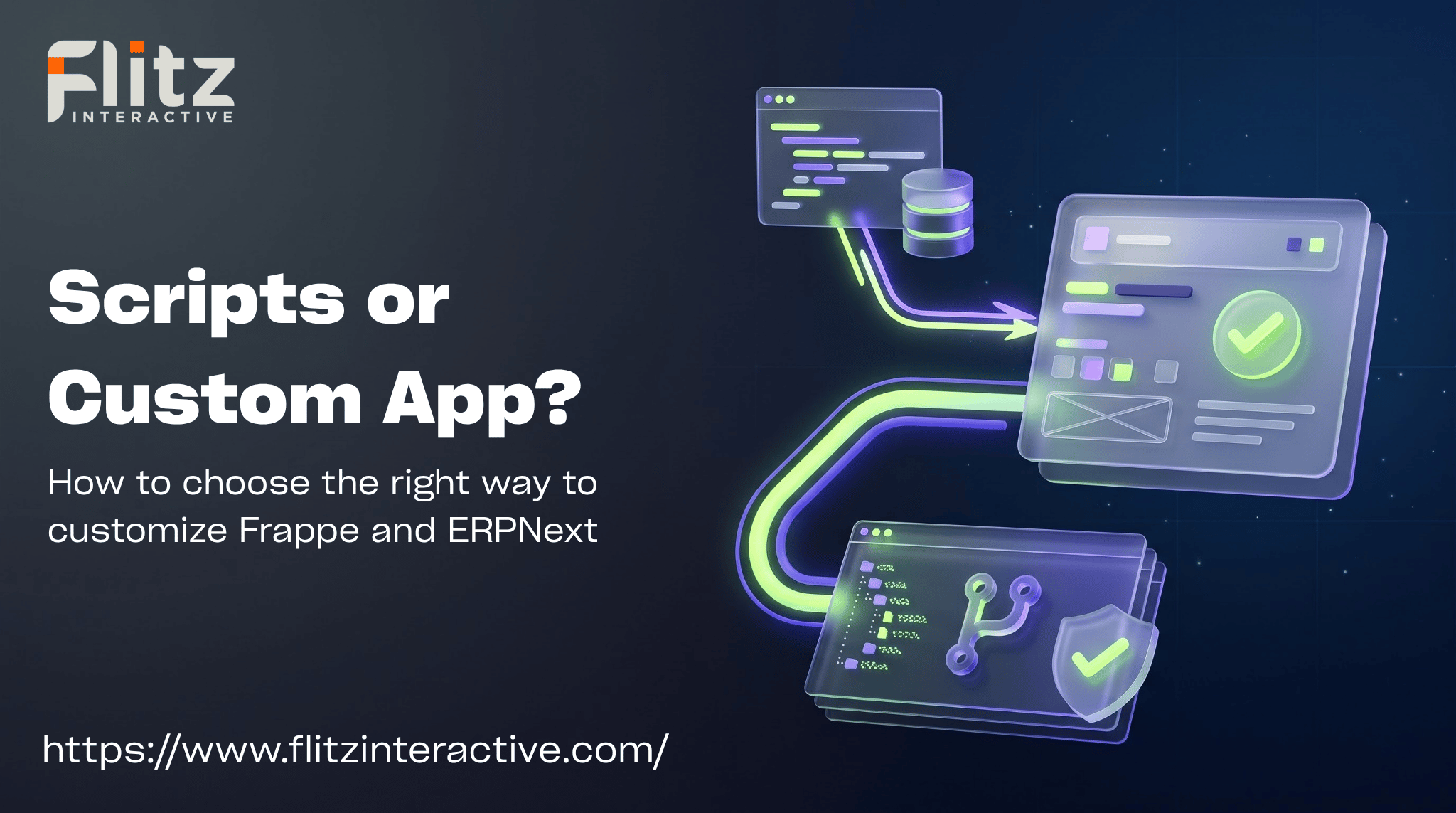


Frappe Customization: Scripts or a Custom App?
Almost every Frappe or ERPNext project reaches the same question: a customer wants a small change, and you have to decide where to put it.
You can add a Custom Field, write a Client Script, write a Server Script, or build the logic inside a custom app. All of them work. The difference shows up months later, when you need to upgrade, debug, test, or hand the project to someone else.
In this post, we'll explain what each option is for, when scripts are enough, when a custom app is the better choice, and how to decide quickly.
The Customization Options at a Glance
- Custom Fields and Property Setters - Add fields to existing forms or change how existing fields behave, with no code
- Client Scripts - JavaScript that runs in the browser on a form, for things like showing or hiding fields, setting values, and simple checks
- Server Scripts - Python that runs on the server, written in the desk UI and stored in the database of that site, for validations, API endpoints, and scheduled tasks
- Custom app - A proper Frappe app in its own code repository, with hooks, custom DocTypes, tests, and version control
The first three live inside the site's database. The last one lives in files.
When Scripts Are Enough
Scripts are a good fit when the change is small, specific to one site, and easy to understand at a glance:
- Simple validations - Block a save if a value is out of range
- Field behavior - Auto-fill a field, or show it only for certain customers
- Small automations - Send a notification when a status changes
- Quick fixes - A client needs something working today
- Prototypes - You want to test an idea before committing to a design
Their biggest advantage is speed. You can write, test, and change them from the browser, with no deployment step.
When to Build a Custom App
A custom app starts to pay off when the change is bigger, riskier, or needs to live for years:
- Complex logic - Multiple DocTypes, calculations, or rules that interact
- New DocTypes and workflows - Anything that is a feature of your product, not a small tweak
- Version control and code review - Changes are tracked in Git and reviewed before they reach production
- Automated tests - You can test the logic before every release
- Reuse across sites or clients - Write it once, install it on many sites
- Hooks and background jobs - Document events, scheduled jobs, and overrides, organized in code
- Team work - More than one developer needs to work on it safely
If you are building a SaaS product or a vertical solution, a custom app is almost always the right home for your core logic.
Upgrade Safety: Where Problems Appear
Upgrades are where the difference becomes real.
Scripts stored in the database:
- They stay with the site and keep running after an update
- They can quietly break if an updated DocType changes a field they rely on
- It is easy to lose track of what exists, since they are not in your repository
- They aren't covered by your code review or tests
Custom app code:
- Changes are visible in Git, so you know exactly what changed and when
- You can run tests against a new Frappe version before upgrading production
- Migration steps (patches) run in a controlled way during
bench migrate - Rolling back means deploying the previous version of the code
Either way, test every upgrade on a copy of the site first. But with a custom app, you have far better tools to know what could break.
Risks of Relying Too Heavily on Scripts
- Hidden logic - Business rules live in the database and nobody remembers they exist
- Hard to test - There's no automated way to check them before release
- Hard to move - Copying customizations between sites by hand is error-prone
- Limited scope - Server Scripts run in a restricted environment, so some things you may want to do aren't possible
- Must be enabled - In recent versions, Server Scripts have to be switched on in the site configuration, so check your setup before depending on them
- Sprawl - Dozens of small scripts become a maintenance problem nobody owns
None of these are reasons to avoid scripts completely. They are reasons to keep scripts small and few.
Example: Limiting a Discount on Sales Orders
Say a client wants to block any Sales Order with a discount above 10%.
As a Server Script (Document Event, before save, on Sales Order):
if (doc.additional_discount_percentage or 0) > 10:
    frappe.throw("Discount cannot exceed 10%")
It takes a few minutes. It lives in that site's database, and it's invisible to anyone reading your code repository.
As a custom app:
In hooks.py:
doc_events = {
    "Sales Order": {
        "validate": "my_app.sales.validate_discount"
    }
}
In my_app/sales.py:
import frappe
from frappe import _

MAX_DISCOUNT = 10

def validate_discount(doc, method=None):
    if (doc.additional_discount_percentage or 0) > MAX_DISCOUNT:
        frappe.throw(_("Discount cannot exceed {0}%").format(MAX_DISCOUNT))
It takes longer to set up, but it's in Git, it can be tested, it can be installed on every site, and it travels with your code.
For a single rule on a single site, the script is perfectly fine. For a rule that is part of your product, the app version is the safer choice.
A Middle Path: Start With Scripts, Move to an App
You don't have to decide forever on day one. A common, practical approach:
- Prototype with scripts to confirm what the client really needs
- Move stable logic into a custom app once the requirement is clear
- Export customizations as fixtures where it makes sense, so Custom Fields and similar settings travel with the app
This gives you speed at the start and durability later.
Lessons From Real Projects
Add your own real example here: a script that grew into a problem, or the moment you moved from scripts to an app, and what you learned. Remove client names and sensitive details before publishing.
A Quick Decision Checklist
Ask these questions, and lean toward a custom app for every "yes":
- Will this logic still matter in a year?
- Does it involve more than one DocType or more than a few lines?
- Do we need it on more than one site?
- Should it be reviewed, tested, or tracked in Git?
- Will more than one developer touch it?
- Would a bug here cost real money or data?
If most answers are "no", a script is probably enough.
Who Should Use This Guide?
- Frappe and ERPNext developers deciding where to put a customization
- Implementation partners managing several client sites
- Founders building a SaaS product on Frappe
- Teams inheriting a site with many scripts and no documentation
Conclusion
Scripts are for speed. Custom apps are for durability. Use scripts for small, local, low-risk changes, and move anything that is part of your product, or that would hurt if it broke, into a custom app with version control and tests.
At Flitz Interactive, we build custom Frappe and ERPNext apps and help teams clean up script-heavy sites, from planning through deployment and upgrades. If you'd like help structuring your own customizations, we'd be happy to talk it through.