
Mobile App, Web App, or PWA? How to Choose for Your Business and Budget
Should you build a mobile app, a web app, or a PWA? Compare cost, speed to launch, device features, and maintenance, and use a simple checklist to choose the right option.
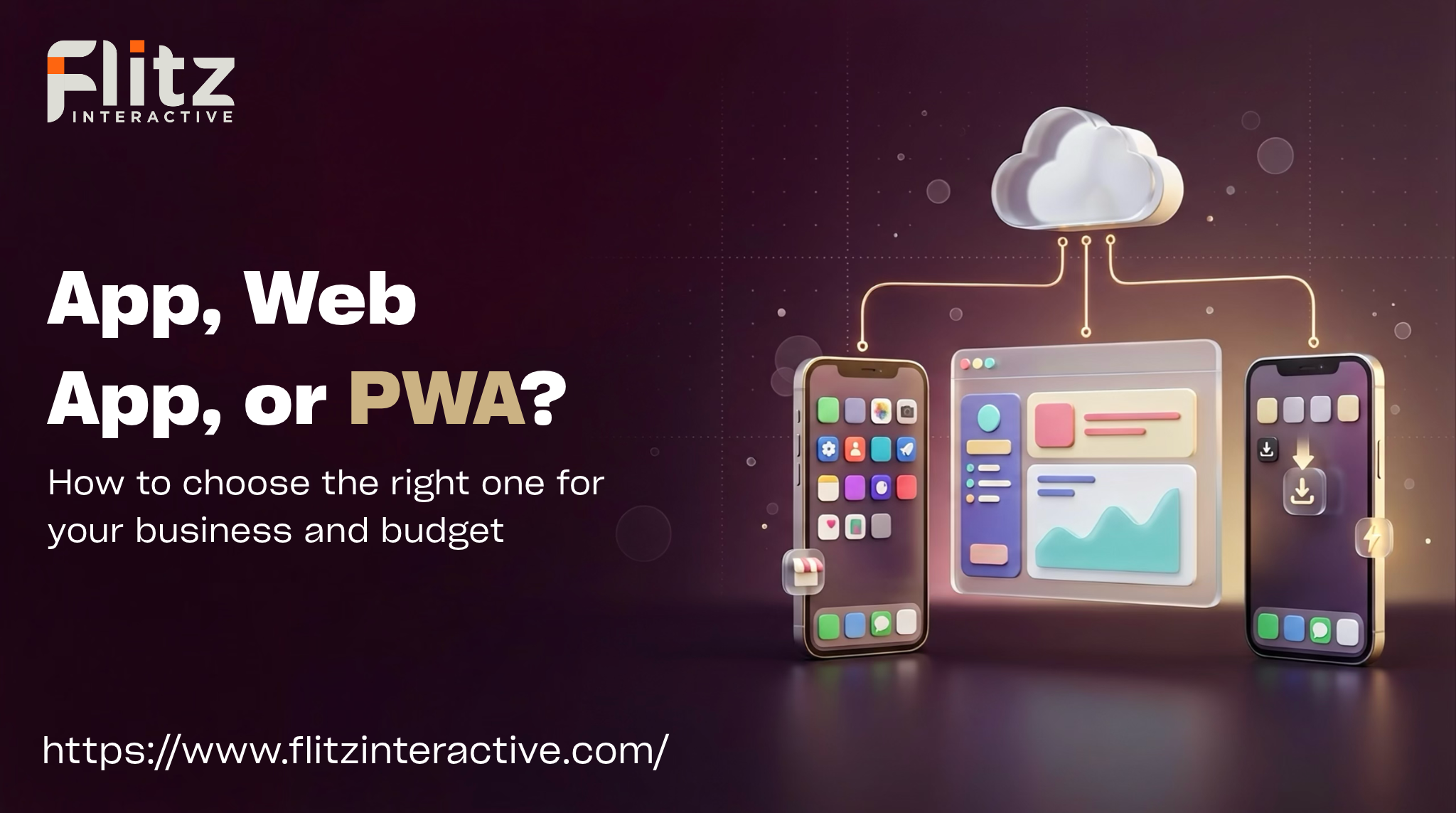



Mobile App, Web App, or PWA: Which Should You Build?
"We need an app" is one of the most common sentences in software projects, and one of the least specific. An app can mean something you download from an app store, a tool that runs in the browser, or something in between.
The choice affects your budget, your timeline, who can use the product, and how much work it takes to keep it running. Choosing wrong doesn't ruin a business, but it can waste months.
In this post, we'll explain the three options in plain language, compare them, and give you a simple way to decide.
The Three Options in Plain Language
Mobile App
An app installed from the Apple App Store or Google Play. It can be built separately for each platform, or with a cross-platform framework such as React Native that shares most of the code between iOS and Android.
- Strengths - Full access to device features, strong performance, and a home screen presence
- Trade-offs - Store review and rules, separate releases, and more to maintain
Web App
A tool that runs in the browser on any device, with no installation. It's a website that behaves like software: logins, dashboards, forms, and workflows.
- Strengths - One codebase for every device, instant updates, easy to share by link, and discoverable through search
- Trade-offs - Limited access to some device features, and it needs a connection unless designed otherwise
PWA (Progressive Web App)
A web app with extra capabilities. It can be installed to the home screen, work offline for chosen features, and send notifications on supported devices.
- Strengths - Web-app simplicity with a more app-like feel, no mandatory app store
- Trade-offs - Device access and notification support vary by platform and browser, and it won't suit everything a native app can do
Platform support for PWA features keeps changing, so always check current behavior on the devices your customers actually use.
A Quick Comparison
- Build cost - Web app and PWA usually cost less than a mobile app, especially if you need both iOS and Android
- Time to launch - Web apps and PWAs are usually fastest, since there's no store submission
- Updates - Web apps and PWAs update instantly, while mobile apps need a release and sometimes store review
- Device features - Mobile apps offer the most (camera, Bluetooth, background location, deep notification control). Web apps and PWAs offer a growing but more limited set
- Offline use - Mobile apps handle it best. PWAs can work offline for selected parts. Basic web apps usually need a connection
- Discovery - Web apps are found through search and links. Mobile apps are found in app stores
- Maintenance - One web codebase is simplest. Mobile apps add store requirements and OS updates
Questions That Decide It
1. Who Are Your Users, and Where Are They?
- Employees using an internal tool - A web app is often enough, and much cheaper
- Customers who use it daily - A mobile app can improve engagement
- Customers who use it occasionally - A web app or PWA avoids asking them to download something
People are reluctant to install an app they'll only use twice.
2. Do You Need Device Features?
Ask what the product really requires:
- Camera, barcode scanning, or file capture
- Bluetooth or connected hardware
- Background location or tracking
- Reliable push notifications
- Deep offline use
If several of these are essential, a mobile app is likely the right choice. If none are, start with web.
3. How Important Is Working Offline?
- Always online - A web app is fine
- Occasionally offline - A PWA may work
- Often offline, such as field work with weak signal - A mobile app with a proper offline and sync design is usually safer
4. What Is Your Budget and Timeline?
- Limited budget or need to launch fast - Start with a web app or PWA
- Budget for a polished product and a longer timeline - A mobile app becomes realistic
A smaller, working first version almost always beats a larger one that never ships.
5. How Will People Find You?
- Through search and shared links - Web is a strong fit
- Through app store browsing - A mobile app puts you where those users look
6. Who Will Maintain It?
Every option needs ongoing care. Mobile apps add store policy changes, new OS versions, and device testing. Be honest about who will handle that.
Common Patterns That Work
- Internal business tool - Web app first
- Customer portal - Web app, with a PWA or a mobile app later if usage justifies it
- Field team collecting data on site - Mobile app with offline support
- Booking or ordering for local customers - Web app or PWA to start, mobile app when demand is proven
- Product that depends on hardware or sensors - Mobile app
Many successful products start on the web, prove demand, then add a mobile app when there's a clear reason.
Common Mistakes
- Building a mobile app because everyone expects one - Without a real reason, it is an expensive extra
- Building two separate native apps too early - Consider a cross-platform approach, or start with one platform
- Ignoring offline needs until users complain
- Underestimating store rules - Review times, policies, and rejections can delay launches
- Forgetting maintenance - Apps need updates after launch
- Skipping real users in the decision - Ask them what device they use and how often they'd use the product
A Simple Decision Checklist
Lean toward a web app if most answers are yes:
- Is it mostly forms, dashboards, and workflows?
- Do people use it at a desk or occasionally?
- Is speed to launch and a lower cost important?
Lean toward a PWA if you also need:
- A home screen icon and an app-like feel
- Light offline support
- No app store dependence
Lean toward a mobile app if you need:
- Camera, Bluetooth, background location, or strong notifications
- Heavy offline use
- Daily engagement and a polished mobile experience
If you're still unsure, start with the cheapest option that satisfies your must-haves, and upgrade when real use shows you need more.
Who Should Use This Guide?
- Founders planning a first product
- Business owners asking for "an app" with no clear scope
- Operations teams digitizing field work or internal processes
- Anyone comparing quotes with very different app types and prices
Conclusion
Choose the simplest option that meets your real needs. A web app is fastest and cheapest, a PWA adds an app-like feel, and a mobile app gives the most device power at a higher cost and effort. Start with your users and your must-have features, not with the technology.
At Flitz Interactive, we build web apps, PWAs, and cross-platform mobile apps, and we help you choose the right one before you spend your budget. If you're planning an app, we'd be happy to talk it through.