
Multi-Tenant SaaS on Frappe: Tenant Isolation, Benches, and Deployment
How to build and run a multi-tenant SaaS on the Frappe framework: one site per tenant, shared code, automated onboarding, routing, backups, and the pitfalls to plan for.
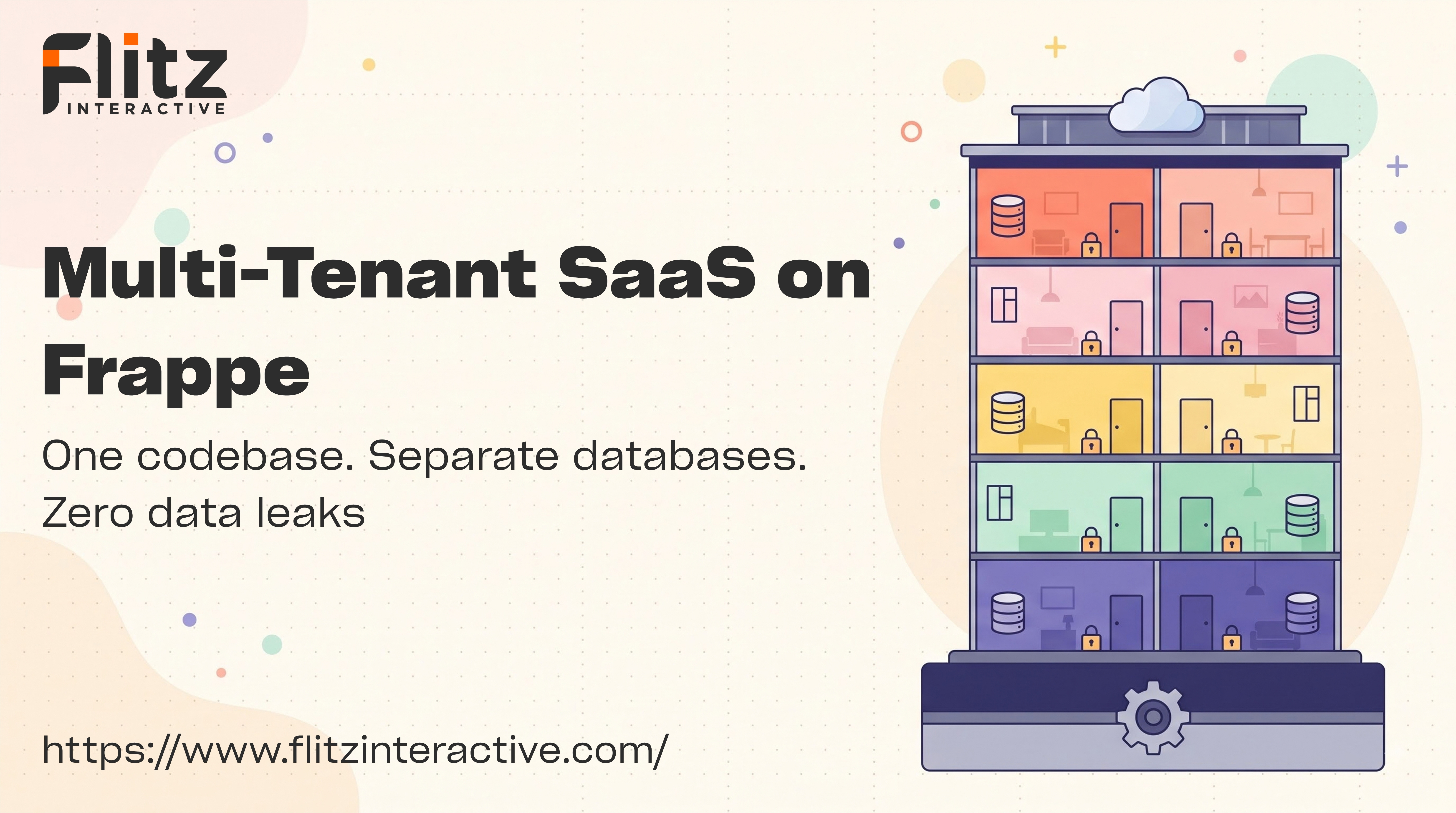



Multi-Tenant SaaS on Frappe: How It Actually Works
If you're building a SaaS product, one of the first architecture questions is: how do you keep each customer's data separate without running a whole new server for every signup?
Frappe has a practical answer built into the framework. You don't have to invent a tenancy layer. You can use the one that already ships with the bench.
In this post, we'll walk through how multi-tenancy works on Frappe, how to automate onboarding, how routing and deployment fit together, and the pitfalls to plan for before you have paying customers.
The Core Idea: One Bench, Many Sites
Frappe organizes things in two levels:
- Bench - The environment that holds the framework code, the apps, and the process configuration
- Site - A single tenant. Each site has its own database, its own configuration, and its own files
Many sites can live on one bench and share the same installed code. Each site then chooses which apps it uses.
This gives you strong data isolation without duplicating your codebase:
- Separate database per site - One tenant's records are never in the same database as another's
- Separate site config - Each site has its own settings and credentials
- Separate files and backups - Uploads and backups are stored per site
- Shared code - You deploy a new version of your app once for the whole bench
Creating a Tenant
A new tenant is a new site. From the command line, the basic flow looks like this:
bench new-site customer1.yourapp.com \
  --admin-password "a-strong-password" \
  --install-app your_saas_app

bench --site customer1.yourapp.com set-config some_key some_value
Every site gets its own database, with the apps you choose installed on it. Customization that a tenant makes, like custom fields or workflows, is stored in that tenant's own database, so it never leaks into another tenant.
Automating Onboarding
You don't want to run commands by hand every time someone signs up. A typical SaaS onboarding flow looks like this:
- Signup form - The customer enters a company name and chooses a subdomain
- Validation - Check the subdomain is available and the name is safe
- Background job - Create the site asynchronously, since site creation takes time
- Setup - Install apps, create the admin user, and apply default settings or templates
- Notification - Email the customer their login link when the site is ready
- Status tracking - Record each tenant's state (pending, active, failed, suspended) in a control database or a central app
Run site creation in a queue, not inside a web request. Make it idempotent too, so a failed job can be retried safely without leaving half-built sites behind.
If you'd rather not build all of this yourself, Frappe's ecosystem includes tooling for managing sites at scale, and Frappe Cloud is available as a managed option. For a custom product, many teams build a small control app on top of the bench commands.
Routing: Domains and Subdomains
Each tenant needs to reach their own site. Frappe supports DNS-based multi-tenancy, where the incoming domain name decides which site serves the request.
bench config dns_multitenant on
bench setup nginx
sudo service nginx reload
For tenants on your own subdomain (customer1.yourapp.com), a wildcard DNS record and wildcard SSL certificate keeps things simple. For tenants who want their own custom domain, you add the domain to that site's configuration, then update DNS, nginx, and the SSL certificate.
Plan for custom domains early. They are the most common source of support tickets in multi-tenant SaaS.
Operations: Backups, Updates, and Monitoring
Running many tenants is mostly an operations problem. Here's what to set up from day one:
- Backups - Take regular backups for every site, store them off the server, and test restoring at least one
- Updates - Because code is shared, updating the bench updates every tenant at once, then each site needs a migration
- Migrations - Run them across all sites and track any that fail
- Monitoring - Watch disk space, database size, background job queues, and error logs
- Tenant lifecycle - Define what happens on suspension, cancellation, and data deletion
Useful commands for the day-to-day work:
bench backup-all-sites
bench --site all migrate
bench --site customer1.yourapp.com backup --with-files
Pitfalls to Plan For
1. Noisy Neighbors
Tenants on the same bench share the same server, background workers, and Redis. One tenant running a heavy report or import can slow everyone else down. Set sensible limits, run heavy work in queues, and monitor per-site usage.
2. All-at-Once Updates
Shared code is a benefit and a risk. A bad release affects every tenant on the bench. Test migrations on a copy of real tenant data, and consider rolling out in stages.
3. Failed Migrations
With dozens or hundreds of sites, some migrations will eventually fail because of unexpected data. Log results per site and have a clear process for fixing and re-running.
4. Per-Tenant Customization Creep
Custom fields and scripts are powerful, but too many one-off changes per tenant make upgrades harder. Decide early what is configurable by customers and what is core product.
5. Growing Database Footprint
Many sites mean many databases. Plan for connection limits, storage growth, and backup time as you scale.
One Bench or Several?
Start with a single bench and move to more only when you have a reason. Reasons to split include:
- Different app versions - Some tenants need an older or newer release
- Heavier tenants - Larger customers who need dedicated resources
- Risk isolation - Separating experimental changes from stable customers
- Scale - A single server is no longer enough, so you spread benches across servers
If you manage several benches on one VPS, keep naming, ports, and process configuration consistent, so operations stay predictable.
Who Should Use This Approach?
- SaaS products built on Frappe or ERPNext
- Industry-specific platforms (for example salon, clinic, or school management)
- Agencies hosting similar solutions for many clients
- Startups that want strong data isolation without managing a separate server per customer
Conclusion
Frappe's site-per-tenant model gives you real data isolation, shared code, and a clear path from your first customer to many. The framework handles the foundation. The work that remains is the part every SaaS needs: automated onboarding, routing, backups, safe updates, and monitoring.
At Flitz Interactive, we design, build, and deploy multi-tenant SaaS products on Frappe, from architecture through production operations. If you're planning a SaaS product, we'd be happy to talk it through.